


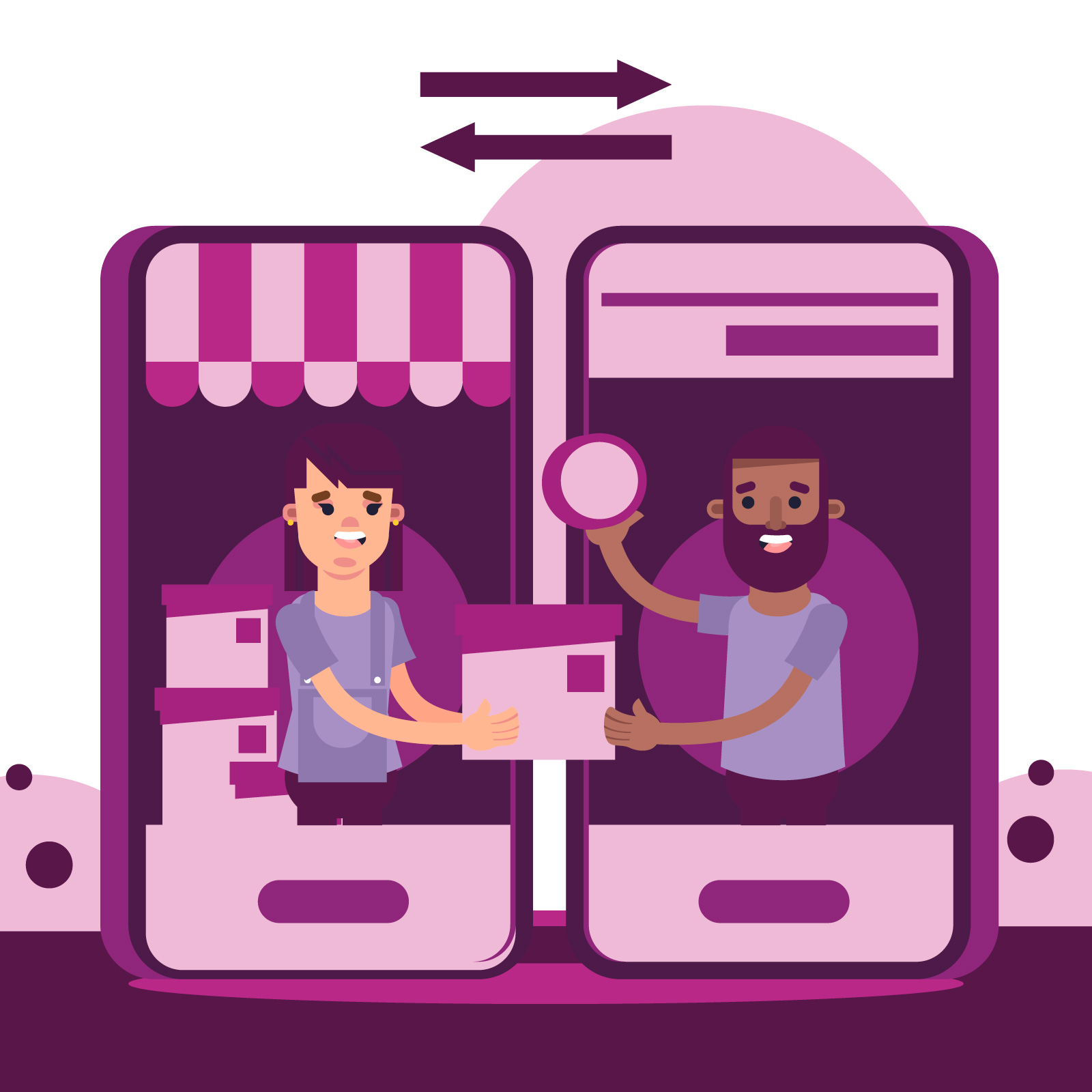
Most Shopify sellers didn’t start their businesses dreaming of replying to the same “Where’s my order?” message 50 times a day on WhatsApp. Yet, for many fast-growing stores, this becomes a daily reality.
As order volumes grow, WhatsApp often turns into a cluttered, reactive inbox:
- Support teams juggling dozens of repetitive queries
- Missed high-intent conversations buried under manual chats
- Constant app-switching to check order status, payment details, or inventory
What starts as a personal communication channel quickly becomes operational chaos.
This is where WhatsApp automation steps in. Not as a chatbot gimmick, but as a scalable system to manage conversations, drive revenue, and improve customer experience simultaneously. Instead of adding more agents or sacrificing response quality, automation allows Shopify sellers to do more with the same team.
This guide walks you through the A–Z of WhatsApp automation for Shopify sellers. Here’s what it is, why it matters, real-world use cases, implementation steps, examples, and best practices to master it.
What Is WhatsApp Automation?
WhatsApp automation for business refers to the use of predefined workflows, triggers, and rule-based logic to manage customer interactions on WhatsApp without manual intervention at every step.
Instead of replying to each message individually, automation allows conversations to be:
- Triggered by customer actions (e.g., cart abandonment, order placed)
- Driven by intent (e.g., product inquiry, payment confirmation)
- Personalised using real-time customer and order data
The Goal Of WhatsApp Automation
The goal of WhatsApp automation is simple but powerful: Scale one-to-one conversations without compromising speed, relevance, or personalisation.
For Shopify sellers, this means WhatsApp evolves from a reactive support channel into a proactive growth lever: handling marketing, transactional updates, and support in a unified, automated flow.
Benefits of WhatsApp Automation for Shopify Sellers
WhatsApp automation doesn’t just make messaging easier. It changes how Shopify stores engage, convert, and retain customers.
1. Improved Customer Engagement
Automated responses ensure customers get instant answers to common queries. Proactive updates across the shopping journey (order confirmations, shipping alerts, delivery notifications) create a conversational experience that feels more natural than email or SMS.
2. Faster and More Efficient Scaling
As message volumes increase, automation absorbs repetitive conversations without requiring additional support agents. Shopify sellers can scale operations without scaling headcount.
3. Higher Sales and Conversion Rates
Behaviour-triggered messages reach shoppers at high-intent moments (product views, abandoned carts, and failed payments) with relevant recommendations or nudges that accelerate purchase decisions.
4. Reduced Checkout Abandonment
Automated cart recovery flows address last-minute doubts instantly by sharing cart details, payment links, or FAQs. This significantly reduces drop-offs at checkout.
5. Stronger Customer Loyalty
Consistent post-purchase communication builds trust. When customers feel informed and supported, they are more likely to return and purchase again.
Key Use Cases of WhatsApp Automation Across the Customer Lifecycle
WhatsApp automation delivers the most impact when applied strategically across the pre-purchase, purchase, and post-purchase stages.
Pre-Purchase Stage
Catalog Sharing
Product catalogs can be shared automatically within WhatsApp, allowing customers to:
- Browse products
- View prices, variants, and availability
- Move from discovery to consideration without leaving the chat
This reduces friction and speeds up decision-making.
Targeted Offers and Discounts
Automation enables behaviour-based promotions:
- Discounts for returning visitors
- Limited-time offers for high-intent shoppers
- Personalised deals based on browsing or purchase history
Automated Product Query Handling
Common questions related to:
- Pricing and sizing
- Materials and specifications
- Shipping timelines and return policies
These can be handled instantly through automated flows. It frees up human agents for complex queries.
Purchase Stage
Abandoned Cart Reminders
Automated reminders are triggered when shoppers drop off at checkout.
These messages typically include:
- Cart details
- Checkout links
- Gentle urgency nudges
COD-to-Prepaid Conversion
For Cash-on-Delivery orders, automated nudges encourage customers to switch to prepaid payments, reducing RTO (Return to Origin) risks and improving fulfillment success.
Order Confirmation Messages
Instant order confirmations with clear next steps help reduce post-checkout anxiety and reinforce trust.
Post-Purchase Stage
Shipping and Delivery Updates
Automated milestone updates keep customers informed and dramatically reduce “Where is my order?” messages.
Automated Review and Feedback Collection
Customers can be prompted to share reviews or feedback after delivery, improving social proof without manual follow-ups.
Reorder Reminders for Consumables
For frequently used products, reminders can be sent based on typical usage cycles. This drives repeat purchases effortlessly.
Upsell and Cross-Sell Recommendations
Based on previous purchases, automation can suggest complementary or premium products, increasing average order value.
Loyalty and VIP Workflows
High-value or repeat customers can be enrolled in exclusive communication flows, such as early access offers, rewards, or personalised messages that strengthen long-term loyalty.
How to Implement WhatsApp Automation for Shopify Sellers
Successful WhatsApp automation goes beyond switching on auto-replies.
It requires a structured, data-driven approach.
Step 1: Choose the Right WhatsApp Automation Platform
Look for a platform that:
- Understands ecommerce workflows deeply
- Supports marketing, transactional, and support conversations
- Offers personalisation, analytics, and behavioural segmentation
When WhatsApp automation is tied directly to revenue metrics, messaging shifts from activity to outcomes.
Step 2: Connect Your Shopify Store
Integration enables real-time data syncing, including:
- Products and collections
- Customer profiles
- Orders and checkout events
- Fulfillment and delivery updates
This ensures messages are triggered by actual shopper behaviour, not static lists.
Step 3: Set Up Core Automation Flows
Start with high-impact workflows:
- Abandoned cart recovery
- COD confirmation and prepaid nudges
- Order and delivery updates
- Post-delivery follow-ups
Step 4: Enable Personalisation at Scale
Effective automation should still feel human.
By using customer data (purchase history, preferences and payment behaviour) messages can be dynamically personalised to arrive with the right context at the right moment.
Step 5: Test Before Going Live
Before launch, test:
- Triggers and timing
- Personalisation variables
- Payment and checkout links
- Fallback scenarios
Thorough testing ensures customers receive accurate information and experience seamless journeys from day one.
Step 6: Monitor Performance and Optimise
WhatsApp automation is an ongoing optimisation process.
Sellers can track:
- ROAS and revenue influenced
- Cart recovery rates
- Engagement metrics (delivery, opens, clicks)
- Campaign-level performance
Continuous optimisation ensures automation stays aligned with shopper behaviour and business goals.
Best Practices for Shopify WhatsApp Automation
- Avoid spammy messaging: Keep tone conversational and value-driven
- Always provide opt-out options: Stay compliant and build trust
- Focus on one action per message: Clarity beats clutter
- Respect timing and frequency: Align messages with intent
- Design for two-way conversations: Enable replies and human handoffs
Frequently Asked Questions About WhatsApp Automation
Which WhatsApp automation is best?
The best solution integrates seamlessly with Shopify, supports event-based workflows, personalisation, analytics, and two-way conversations.
Are automated messages possible on WhatsApp?
Yes. You can automate order updates, abandoned cart reminders, COD confirmations, and FAQ responses.
Can WhatsApp automation be free?
Basic automation is possible using the WhatsApp Business App, but advanced features like Shopify integration and analytics require professional platforms.
Can WhatsApp automation increase sales?
By engaging shoppers at high-intent moments with timely communication, WhatsApp automation reduces friction, boosts conversions, and increases repeat purchases.
Need a fresh perspective? Let’s talk.
At 360 OM, we specialise in helping businesses take their marketing efforts to the next level. Our team stays on top of industry trends, uses data-informed decisions to maximise your ROI, and provides full transparency through comprehensive reports.







.png)


